Blog · Template
How to edit Sivella household memory
To edit Sivella household memory, inspect the fact the household has stored, compare it with what is true now, and either correct or remove it. Keep the replacement specific enough to guide the next household action. Sivella makes memory inspectable and editable, so stale context does not have to become a permanent part of the shared record.

Sivella household memory is meant to be inspected, corrected, and cleared when something is no longer useful. If an address, preference, arrangement, or piece of household context is wrong, change that item rather than working around it in every later conversation.
The aim is not to preserve a perfect history. It is to keep the shared operational record accurate enough that another household member—or the assistant—can understand the situation without receiving a separate correction.
What should you check before editing household memory?
Start with the exact statement Sivella has stored. Read it as somebody who was not present when it was added. Ask three questions:
- Is it factually wrong? Correct the part that no longer matches reality.
- Is it old but still useful as history? Rewrite it so the date or earlier condition is clear rather than presenting it as current.
- Does the household no longer need it? Remove it instead of adding a second note that says to ignore the first.
Keep the scope narrow. If the remembered item says a repair is waiting for a quote, but the quote arrived, update that state. Do not rewrite unrelated details about the repair simply because they sit nearby.
Sivella lets household members inspect, edit, or remove what it has stored. That control matters because shared context changes: a plan is settled, a constraint disappears, or an earlier description turns out to be incomplete.
Should you correct the item or remove it?
Correct a memory when the subject still matters and the household needs a current version. Remove it when keeping any version would create noise, expose detail the household no longer needs, or encourage the assistant to treat a finished matter as active.
A replacement should state the operational fact, not retell the entire story. “The service visit moved to Thursday morning” is useful if timing affects who can be home. A long explanation of every earlier reschedule makes the current condition harder to find.
When a fact belongs somewhere more specific, use that surface for the live work. Sivella keeps tasks with owners and decisions with options, constraints, and ownership. Memory can preserve useful household context, but it should not become a duplicate task list or a second record of an open decision.
How do you make a memory correction clear?
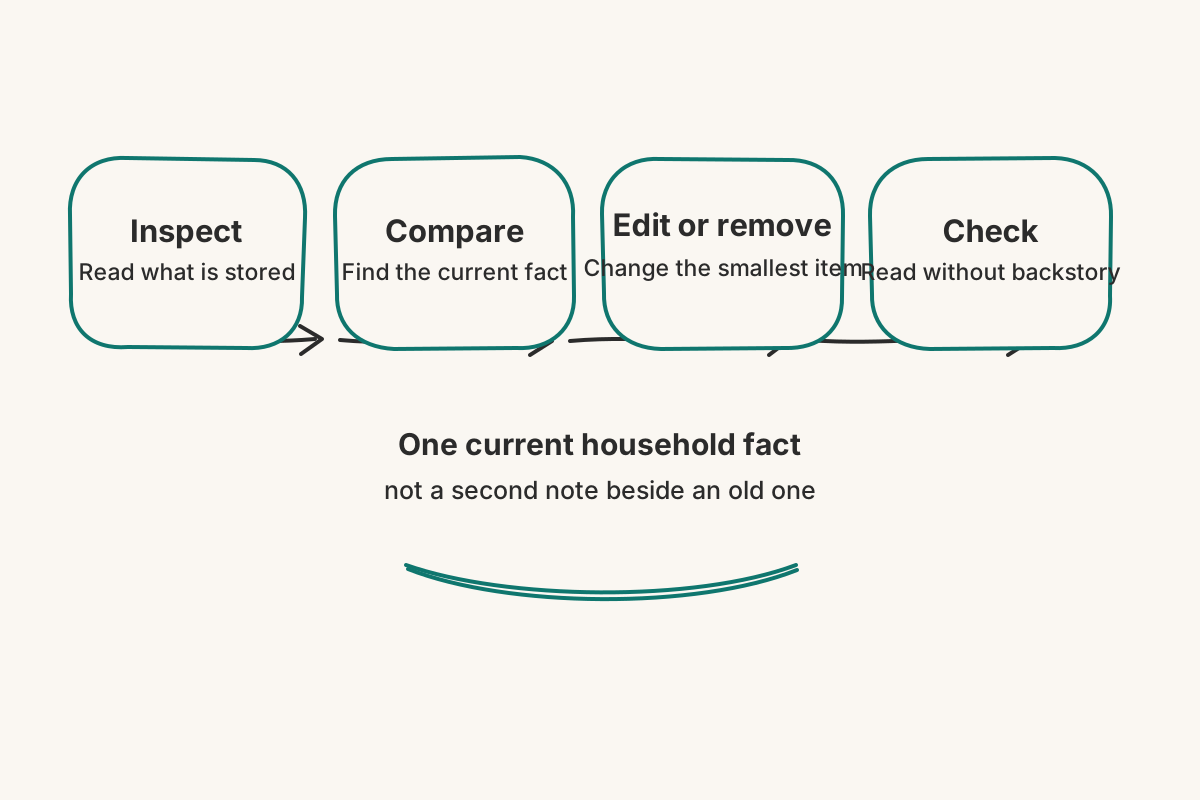
Use this short sequence:
- Inspect the stored statement before changing it.
- Compare it with the current household fact.
- Edit or remove the smallest item that is wrong or no longer needed.
- Check the result by reading it without the missing backstory.
Write concrete replacements. Include the date when a fact changes over time. Name the thing affected. If a new condition creates work, give that work a next step and owner rather than hiding the action inside a paragraph of memory.
A good correction stands on its own. Another member should not need to ask which sentence is current or whether the old version still applies.
Is editing memory the same as exporting or deleting data?
No. Editing memory changes a stored household fact while the account remains in use. A data export is a request for a copy of information associated with the account. Account deletion deactivates the account, begins a 120-day recovery window, and later irreversibly anonymizes it.
Use the smallest action that matches the outcome you want. Correct or remove one memory when one fact is the problem. Request an export when you need a copy outside Sivella. Request account deletion only when you intend to end the account itself.
Sivella states that household data is never used to train, fine-tune, or improve an AI model and is never sold or shared for advertising. Those commitments govern how the record is handled. The ability to inspect and edit memory gives the household a separate, practical control over whether the record remains accurate.
The final check is simple: can another person read what Sivella remembers now and act without first being told which parts to disregard? If so, the correction has done its work.